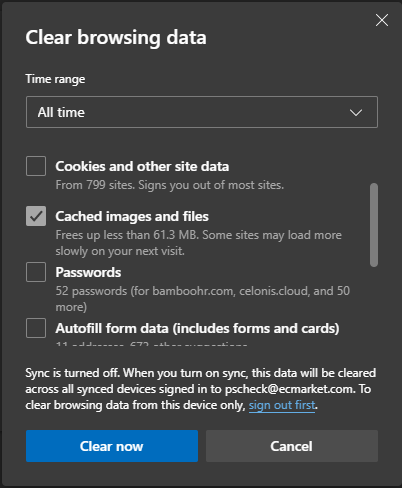
Clearing Storage to Remove Session/Cookie Data
This process will save the required Conexiom portal keys to your Salesforce instance so that SSO and API calls can be enabled.
Clear Cache/Cookies/Storage
-
Go to Conexiom Portal and Logout
-
Click F12 on your keyboard or left-click on the screen and select Inspect.
-
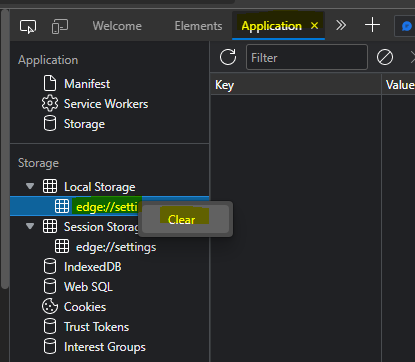
Navigate to the Application tab
-
Expand Local Storage, Session Storage, and Cookies
-
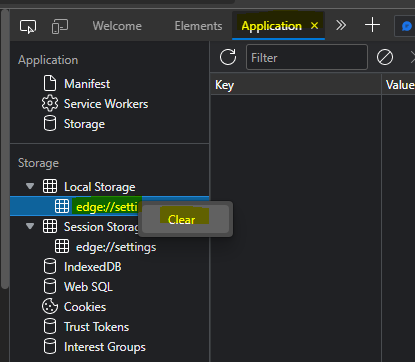
For each entry in the expanded list, left-click on the entry to display the ‘Clear’ option and select. Repeat this process for all entries within the expanded lists:
Clear Cache (no need to clear other saved info from your browser sessions):